
Upload Assets to ImageKit DAM
Easily upload and manage your assets in ImageKit's DAM with support for bulk uploads, drag-and-drop, and multiple file formats.
How to upload assets in ImageKit DAM
- Click 'New' to view the upload options available in ImageKit DAM, including files and folders.
- Choose your preferred upload source from the available options, such as Dropbox or other cloud storage services.
- Select the files you want to upload directly from your device.
- Use 'Common settings' to apply tags, metadata, and other details to all assets being uploaded at once.
- Customize individual asset details during upload to override common settings for specific files.
- Click 'Upload' to complete the process and add your assets to ImageKit DAM.
- Navigate to Settings and click 'Default upload parameters' to configure settings that apply to every future upload.
Explore More Demos
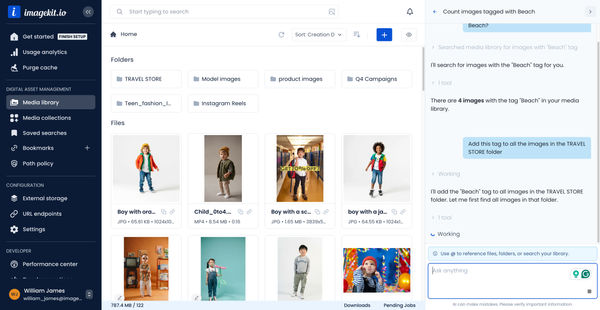
DAM Agent
Manage your media library through natural language with DAM Agent, an AI assistant that searches, tags, organizes, and operates on assets for you.
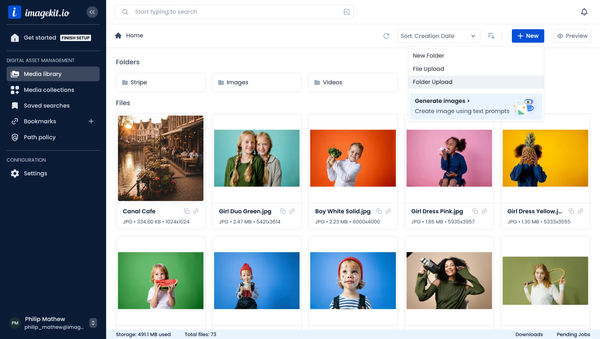
Upload Assets to ImageKit DAM
Easily upload and manage your assets in ImageKit's DAM with support for bulk uploads, drag-and-drop, and multiple file formats.
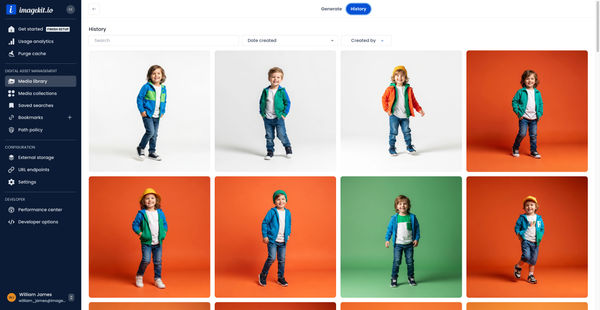
Generate Images with AI
Use AI-powered image generation to create stunning visuals, extend images, and generate backgrounds automatically.
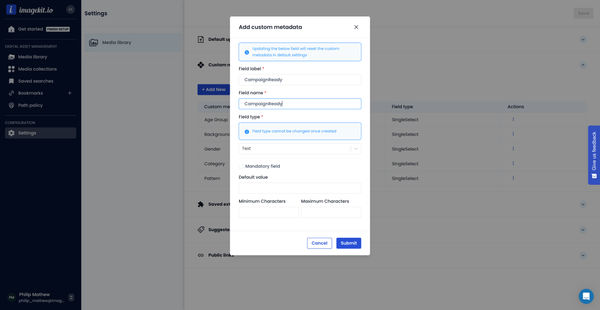
Custom Metadata In ImageKit DAM
Structure and organize your media library with custom metadata fields for easy asset discovery and management.

AI Tasks for tagging and metadata
See how to use ImageKit's AI Tasks to automatically tag and classify assets in your DAM, making them instantly searchable and organized.
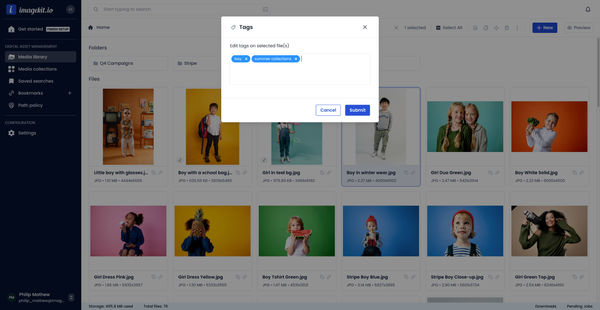
Manual and Standard AI Asset Tagging
Use Google and AWS AI services to tag and categorize your assets to make them instantly searchable and properly organized.