
Headless DAM
Connect assets across your CMS, marketing tools, product applications, and internal systems with ImageKit's APIs, native integrations, widgets, and desktop apps. Or go headless the modern way: with MCP, AI agents run your DAM and orchestrate workflows across the tools your team already uses.
WHY HEADLESS DAM
4 reasons why teams love a headless DAM
Custom asset workflows
Build the exact UI and workflow your users need on top of APIs for upload, search, metadata, and delivery, instead of bending to a fixed interface.
Embedded where your team works
DAM features live inside your CMS, PIM, and marketing tools through integrations and widgets, so teams never switch context.
Developer freedom
Developers pick their own language, framework, and frontend, and automate uploads, governance, and publishing with SDKs and webhooks.
AI-native workflows for modern teams
Not just for developers. Through MCP, marketing, creative, and other business teams can find, organize, and share assets by simply asking Claude, ChatGPT, or their AI assistant of choice, within their own permissions.
ImageKit: Headless and traditional DAM in one platform
| Capability | Traditional DAM | Headless DAM | ImageKit |
|---|---|---|---|
| Upload and manage via UI | |||
| API-driven access and delivery | |||
| Embeds into existing tools | |||
| Supports automated workflows | |||
| Ready for non-technical teams | |||
| Work with third-party AI agents via MCP |
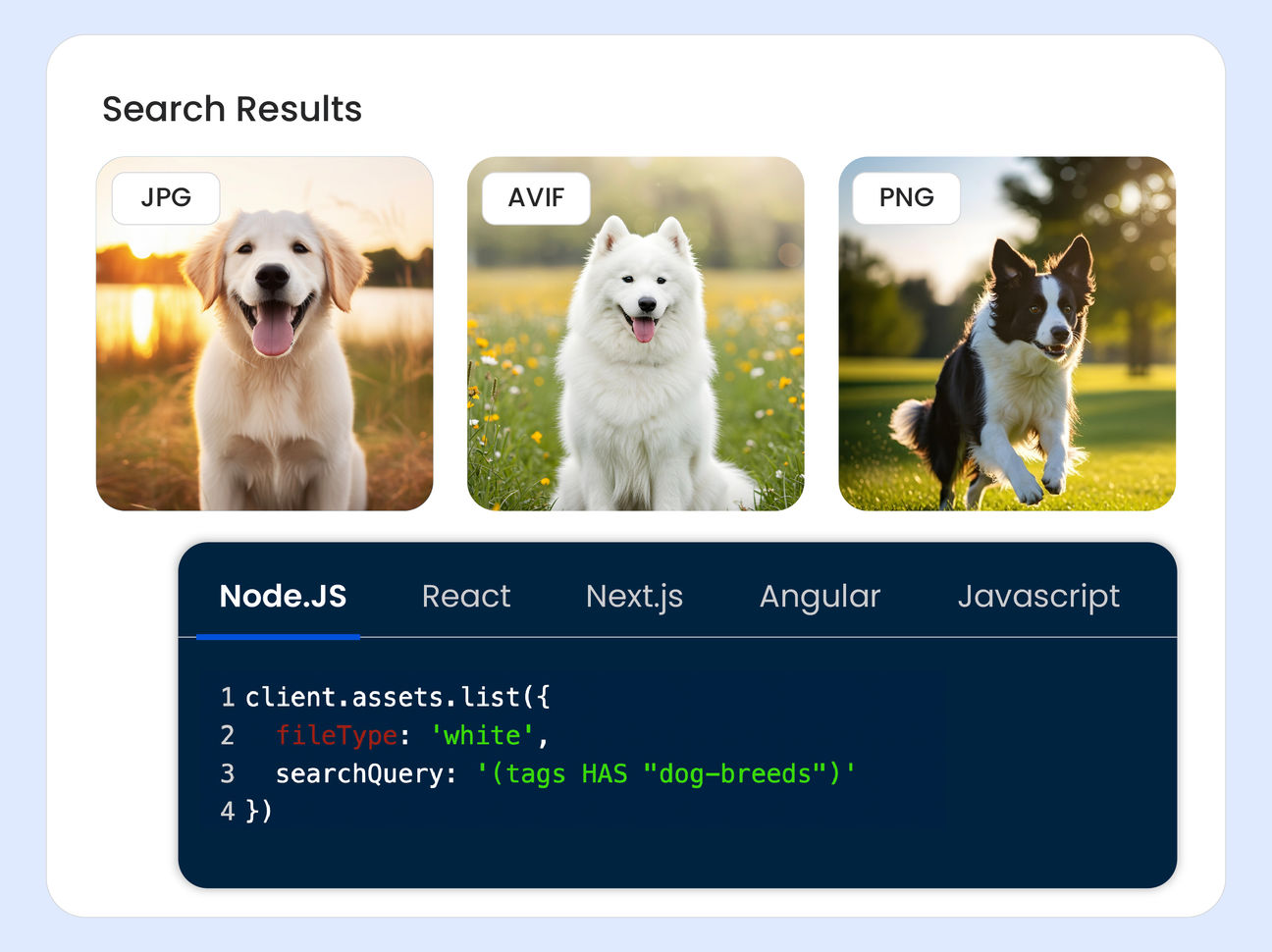
Fully programmable workflows using APIs
Access every DAM capability via APIs - from upload and metadata management to search, tagging, versioning, and publishing.
Build custom workflows tailored to your stack and business logic instead of forcing teams into rigid systems.
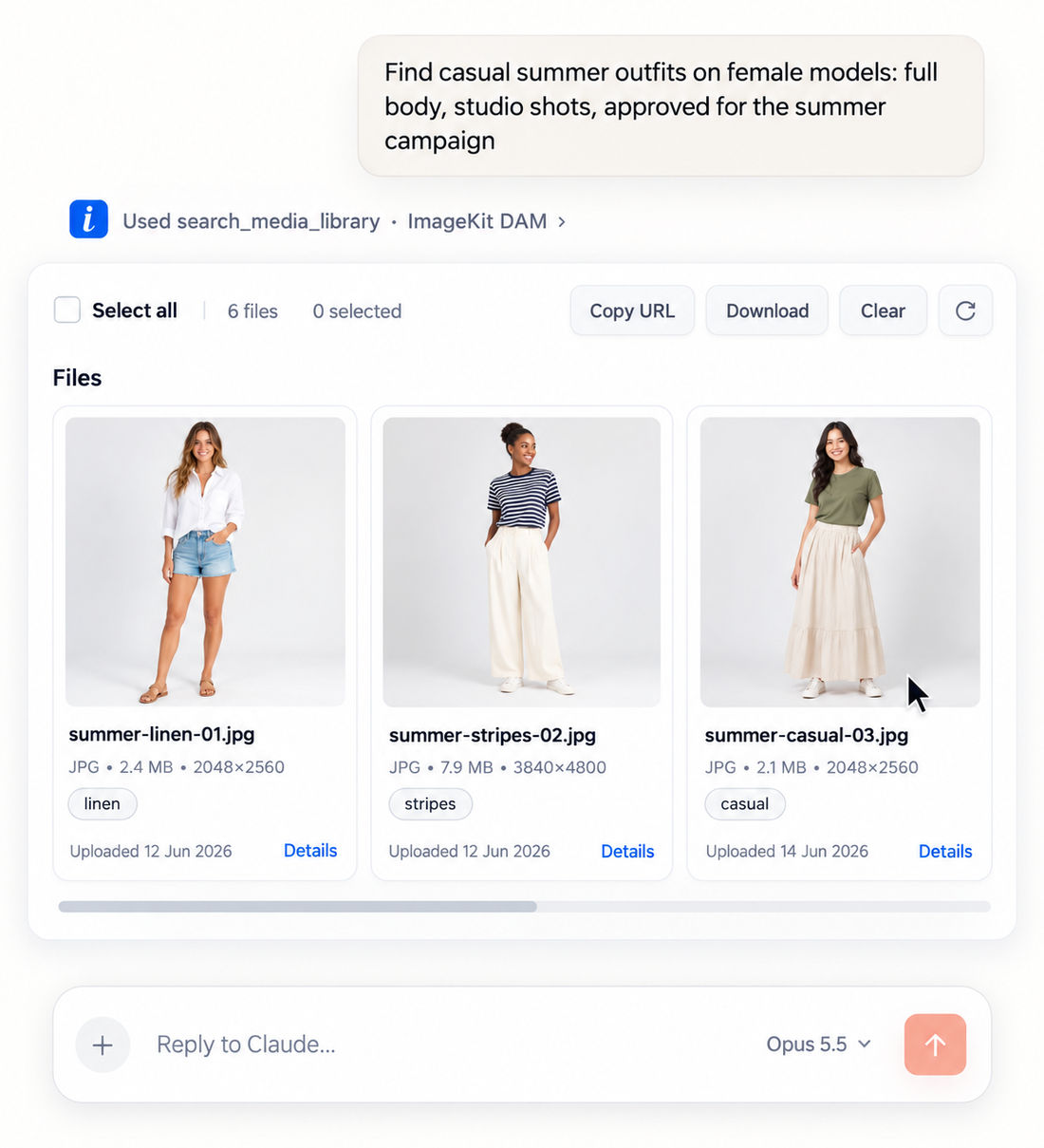
Connect ImageKit DAM to your AI assistants
The hosted DAM MCP server lets Claude, Cursor, VS Code, and Copilot work directly in your media library, scoped to each user's own permissions.
- Manage — Search in plain English, like "summer outfits, full body, studio shots".
- Create — Turn "Adidas t-shirt banner, 50% off" into on-brand banners using approved assets.
- Govern — Flag expired rights, missing alt text, and bad file names. Fix after review.
- Publish — Update your site's gallery with approved assets from Cursor or Claude Code.
Native integrations with your existing stack
Connect ImageKit DAM directly with CMS platforms, marketing automation tools, PIM systems, and creative applications, with an ever-growing set of native integrations.
Ready-made integrations include Magento, WordPress, Shopify, Netlify, Strapi, Contentful, Sanity, and Storyblok.
Assets stay centralized while teams continue working in the platforms they prefer.
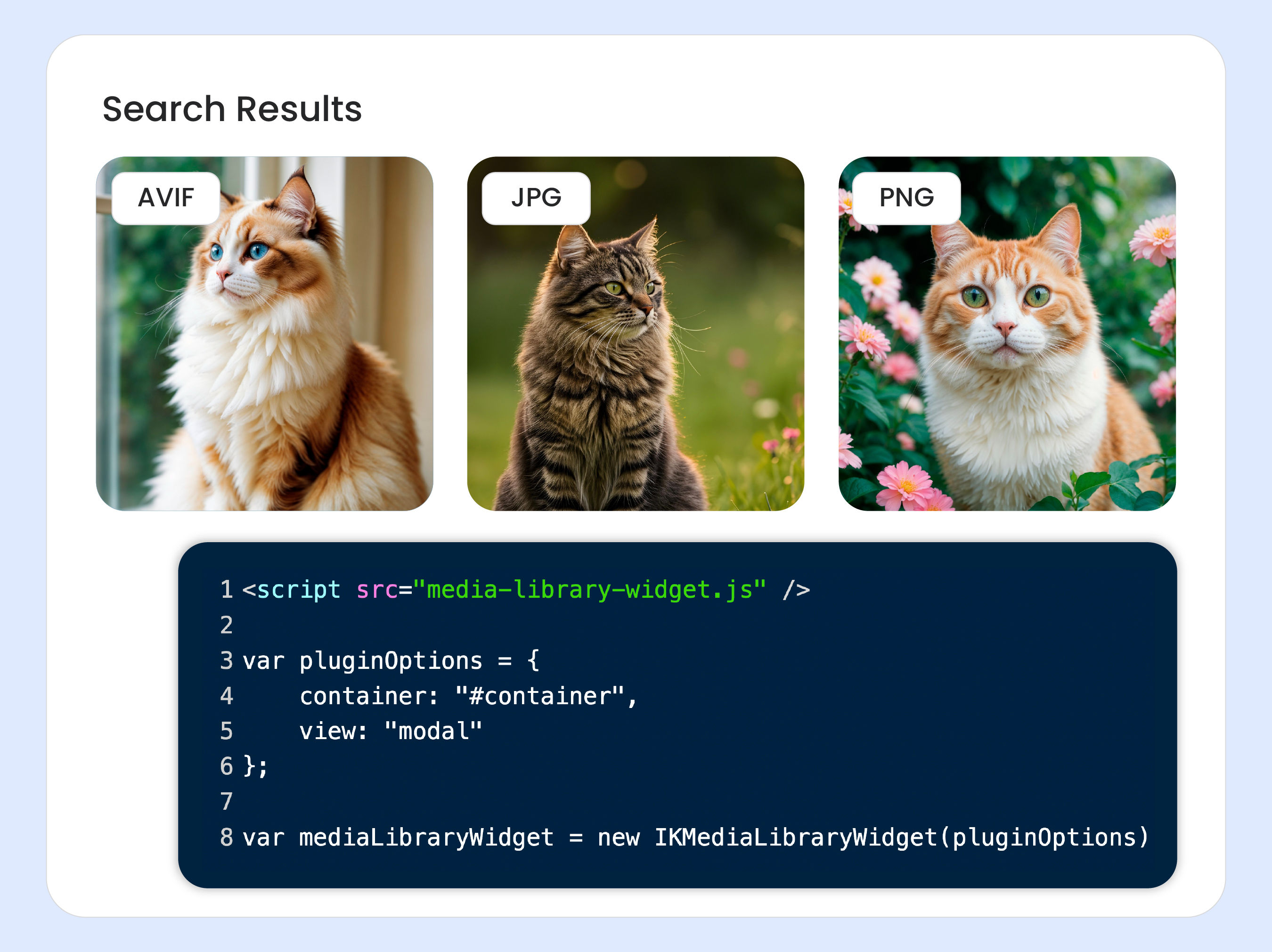
Embeddable widgets for simpler integration
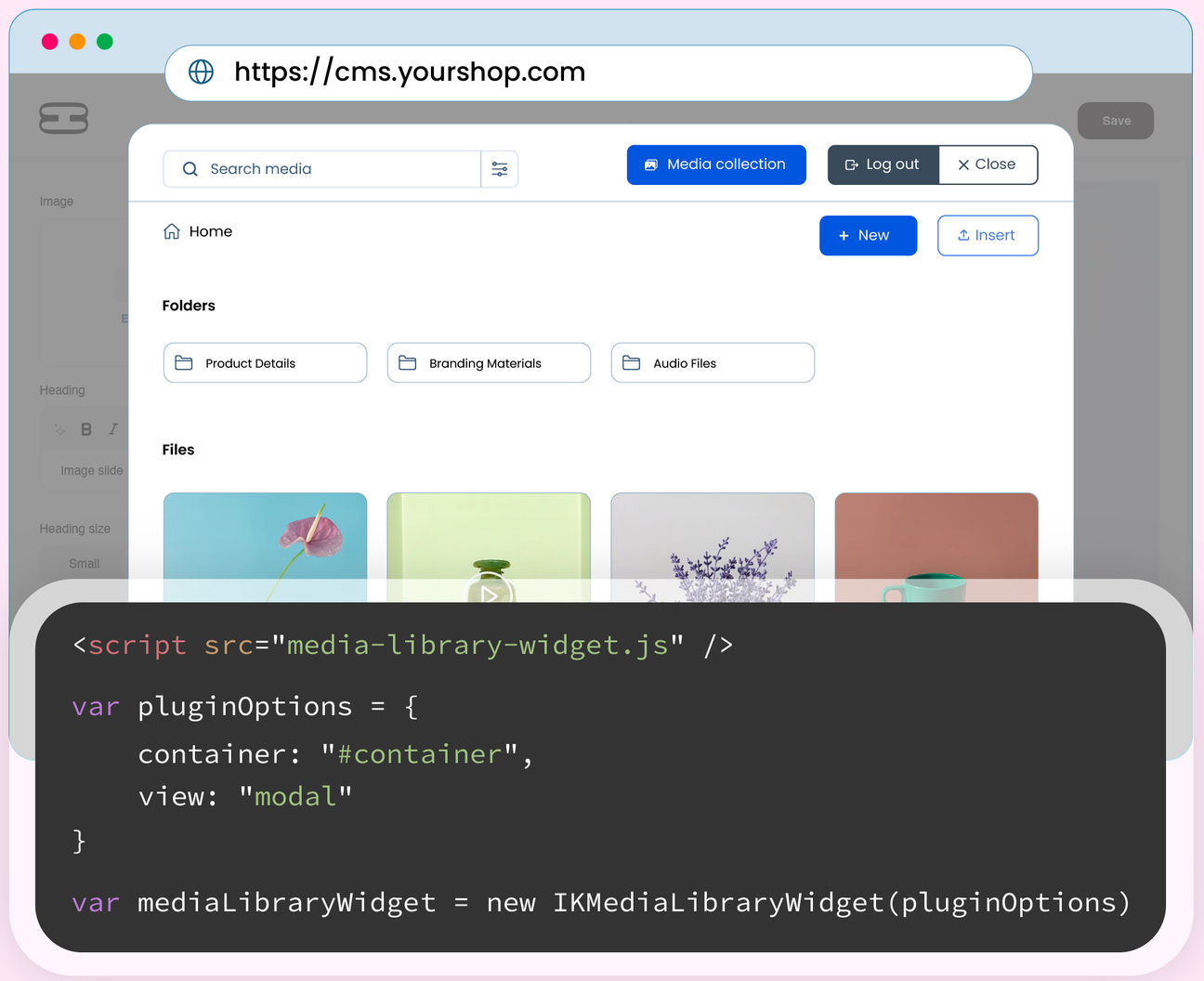
Skip complex custom builds. Use ready-to-deploy DAM widgets to bring asset management directly into your applications.
- Media library widget to bring full DAM browsing and search directly into your internal tools — allowing teams to select approved assets and insert them instantly without switching applications.
- Upload widget to securely import assets from anywhere to the ImageKit DAM
One DAM asset, multiple variants - in real-time
Transform, resize, optimize, and personalize assets in real time using simple URL-based APIs. Create multiple platform-specific variants from a single source asset in your DAM without duplicating files.
Deliver media globally with built-in CDN acceleration, streaming optimized content directly from your DAM.