How to add subtitles to an MP4 video
Four ways to add subtitles to an MP4: a WebVTT track, an SRT file converted to WebVTT, burned-in captions with ffmpeg, and broadcast-adjacent formats ...


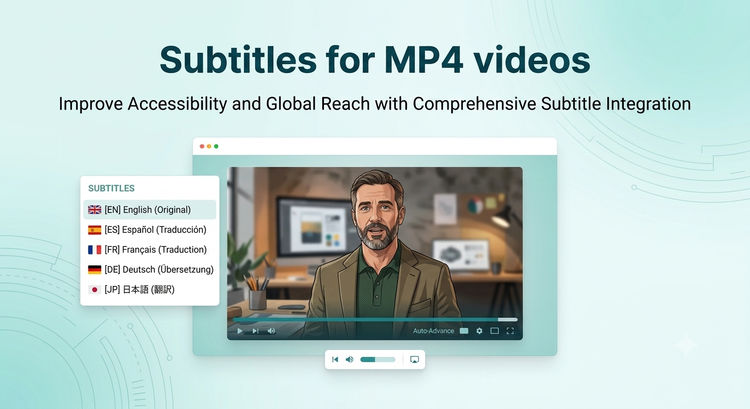
Four ways to add subtitles to an MP4: a WebVTT track, an SRT file converted to WebVTT, burned-in captions with ffmpeg, and broadcast-adjacent formats ...

Three ways to add chapter markers to an MP4: embed them in the container, ship a WebVTT chapters track, or pass a `chapters` prop to ImageKit's Video ...

A step-by-step tutorial for adding video playlists to a Next.js site using ImageKit's Video Player SDK. Covers the playlist widget, auto-advance, upco...
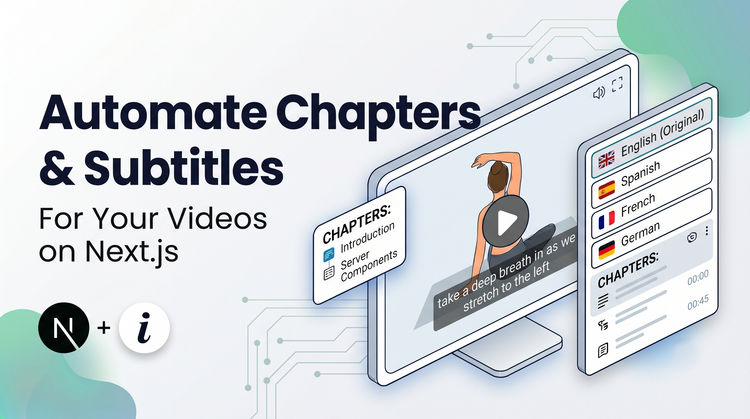
A step-by-step tutorial for adding AI-generated subtitles, chapter markers, and multi-language translations to a Next.js video player using ImageKit's...
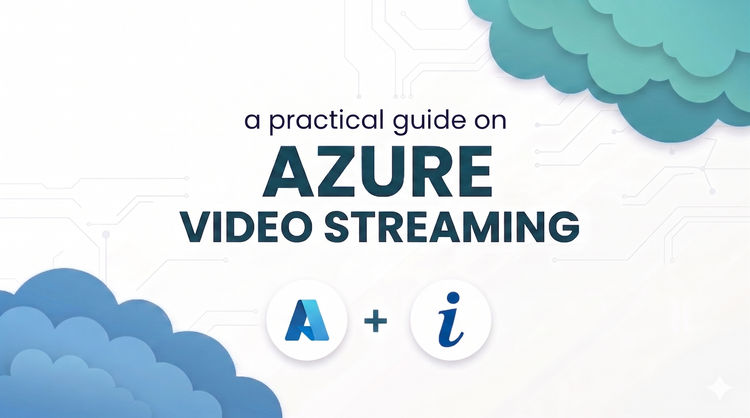
Get adaptive bitrate streaming, video optimizations, and real-time transformations and watermarking by attaching ImageKit with Azure Blob Storage.

A step-by-step tutorial for adding shoppable videos to a Next.js website using ImageKit's Video Player SDK. Covers the product bar, time-based highlig...

Connect external storage or upload directly, then resize, compress, deliver in modern formats, and apply smart crop and AI transformations from Python...

Resize, compress, strip audio, generate thumbnails, lazy load, and stream video in Next.js using ImageKit's URL-based transformations and Next.js SDK.

Learn how to go beyond vanilla Next.js images with ImageKit for automatic AVIF delivery, smart cropping, blur-up placeholders, and AI-powered transfor...

Learn why browsers block autoplay and how to fix it, then reduce your video file size by up to 98% using ImageKit's real-time video optimization API.